
How to log into Jia Web
How to access Jia Web
To open the Jia Web app, click here or navigate to https://app.jia-technologies.com/login
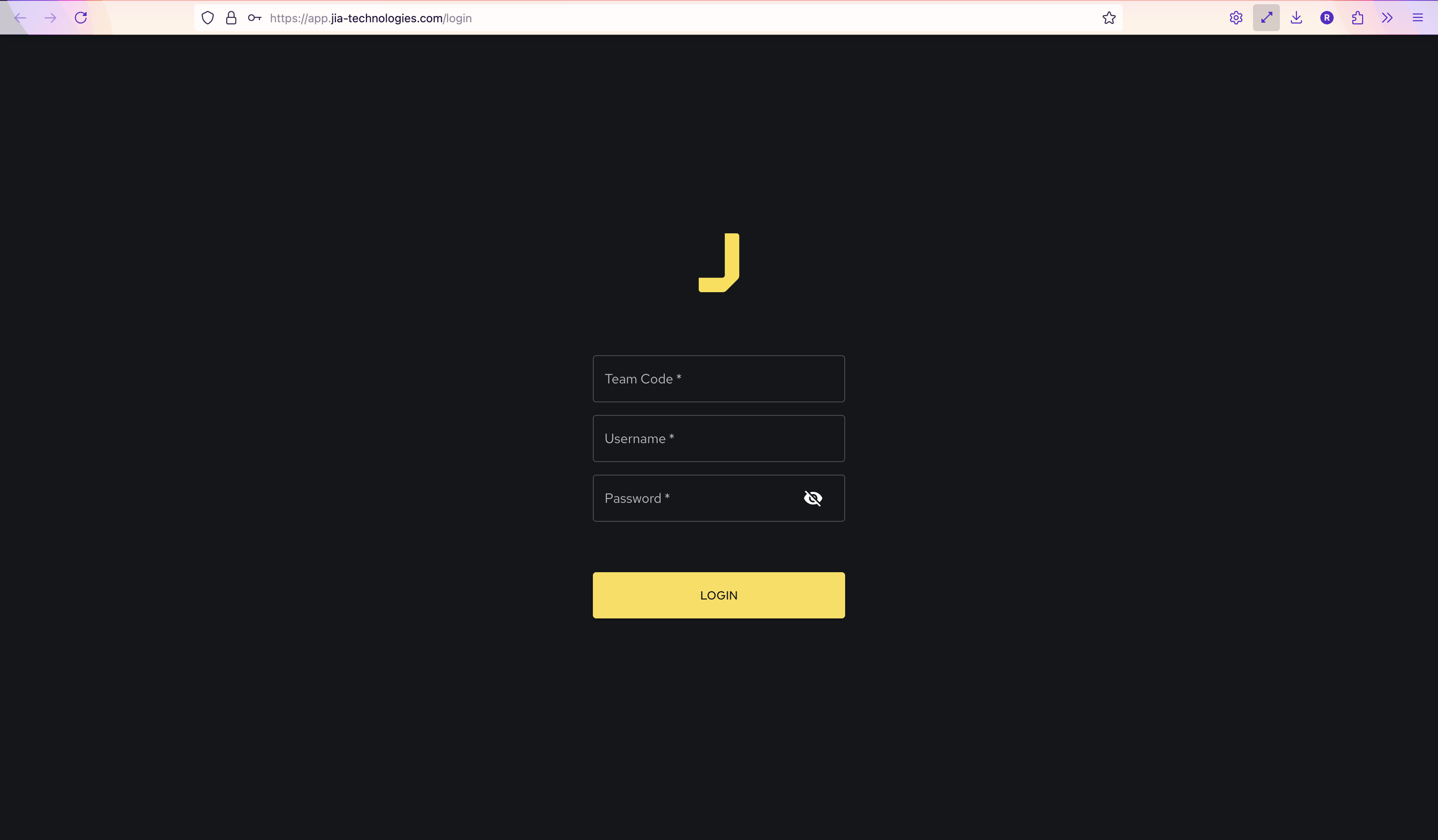
Sign In
To sign in to the Jia web application, you need to have an existing Jia account.

If you still need to create an account, please contact your Administrator or email the Jia product support team.
During the onboarding process, your district will be given credentials (team code, username, and a password) to log in.
Once you have your credentials, enter your team code, username, and password to log in.
Login issues? Contact Product Support
Need help? Please email support for assistance and we’ll get back to you ASAP.